On the roofRoofer Buddy for Android
Walk the roof. Say what you see.
The best AI products come from the people with a message and no voice.
Roofer Buddy is a voice-first app for roof walks. Frank listens while you call out materials, penetrations and measurements, turns them into structured job context, and asks for the details that get missed before the estimate.
Standalone pricing is coming soon. Downloads need a verified account and approved tester access. Have access? Sign in to download. No access yet? Join the newsletter.
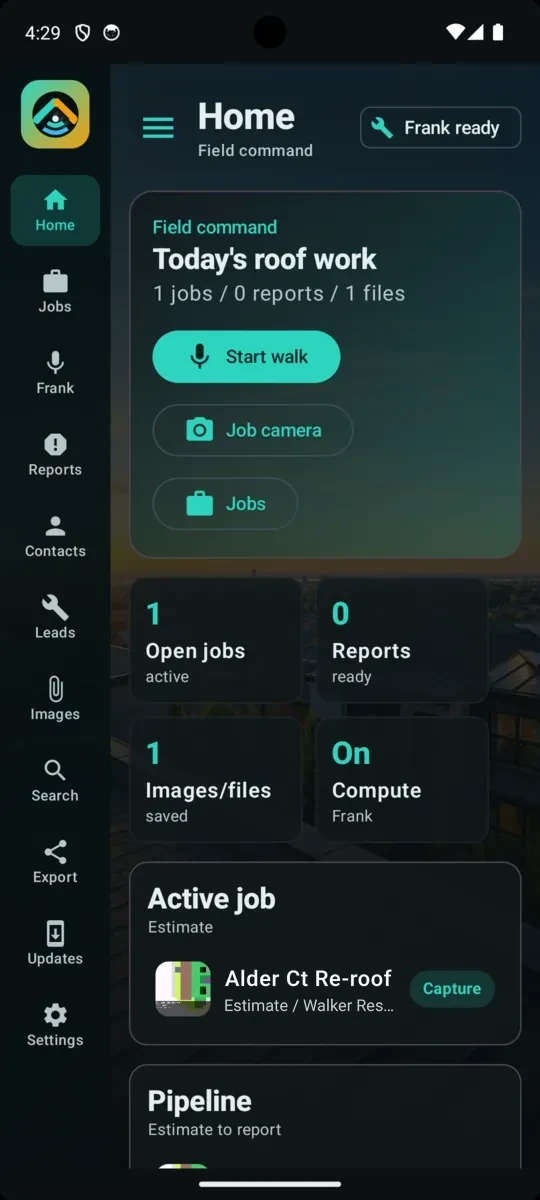
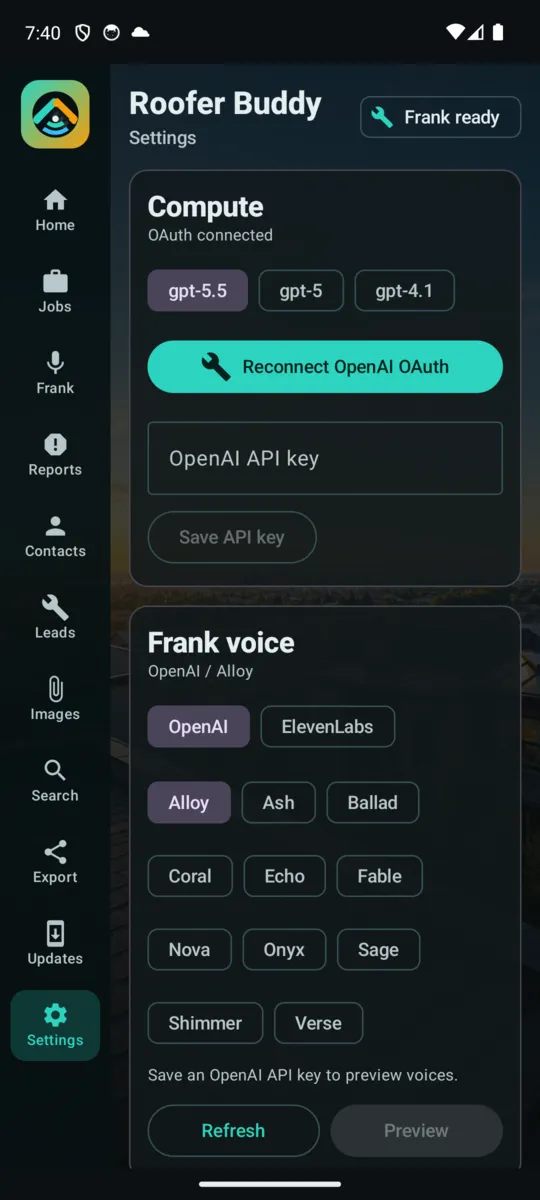
Roofer Buddy preview screens Home and Settings
What it costs and how to get it
- Pricing
- Included in the $20/month E:MERGENCE plan: everything we make, every device and pairing, and voice usage shared across devices. Standalone pricing is coming soon. See pricing.
- Android
- Preview 7.3.26.01 and Stable 7.2.26.01, with an in-app updater.
- Approved testers
- Sign in with a verified E:MERGENCE account that has tester access.
Built for roofers
Hands full. Estimate by voice.
Capture
Walk the roof naturally
Start voice mode and call out boots, caps, drains, parapets, jacks, flashings, TPO overlay notes, tile breaks and quantities as you see them.
Qualify
Frank finds the gaps
If the roof is TPO but overlay status is missing, or parapet caps are called out without wall height, Frank asks before the estimate gets weak.
Deliver
Reports and claim packets
Attach Xactimate, EagleView, GAF QuickMeasure, images, PDFs and notes, then export the project context for the next handoff.
The voice walk
Start the walk. Talk. Answer. Export.
01 · Start walk
Open a job or lead and start voice mode.
02 · Capture
Call out measurements, roof type, penetrations, caps, drains, damage and install context.
03 · Organize
Frank structures quantities, notes, files and project details in the background.
04 · Question
Frank asks for missing details before the estimate or install packet goes thin.
05 · Export
Share job summaries, reports and claim context.
Frank actions
Say it, and the job moves.
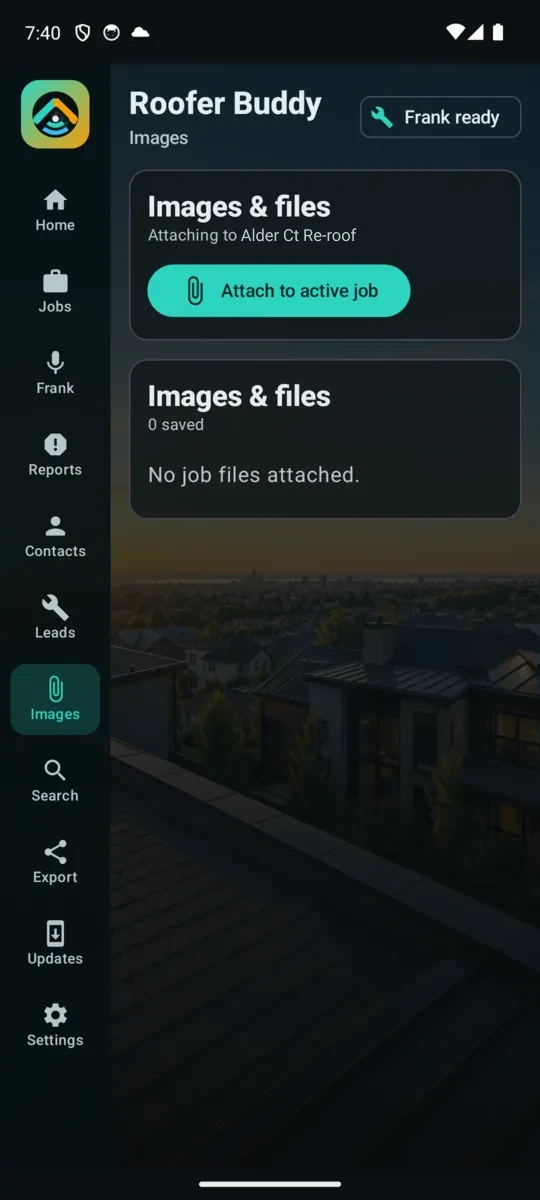
Create leads, copy old jobs, set addresses, fill insurance details and prepare reports by voice. Roof photos and project media stay with the job instead of a generic attachment drawer.
Compute, audio, image generation and Frank’s voice settings are there when a job needs more horsepower, with OpenAI and ElevenLabs-compatible settings for keys you own.
Pre-launch
Not launched yet
We're not launched yet. Everything is still being worked on. Sign up for the newsletter to hear first when it's ready.
We'll only use your email to tell you about launch. See Privacy.
Request beta access →Questions
From the crew.
What does Roofer Buddy cost?
Roofer Buddy is included in the $20/month E:MERGENCE plan, which covers everything we make, every device and pairing, with voice usage shared across devices. Standalone pricing is coming soon.
How do I get the app?
Roofer Buddy is an Android preview. Downloads need an E:MERGENCE account with a verified email and approved tester access. Create an account, then sign in to the download page.
Preview or Stable?
Which measurement reports can I attach?
Xactimate, EagleView and GAF QuickMeasure reports, plus images, PDFs and notes, so the job context travels with the handoff.
Do I need my own AI provider?
Audio, speech and Frank’s voice have OpenAI and ElevenLabs-compatible settings for keys you own. Roofers see clean outcomes; the provider layer stays available when a job needs more.
Night
Love it? Hate it? Tell the owner.
Bug reports with screenshots, ideas, questions and straight praise all land on the Bulletin, in front of the owner.